Home Page for District Users
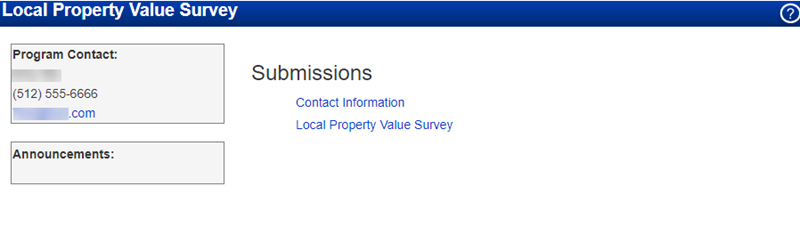
This is the Local Property Value Survey (LPVS) home page as it appears for users. From this page, once you select a school year and the data from the administrator is loaded, you can update contact information and complete the LPVS Survey. To view the overall LPVS process, see Process Overview.
Note: The Admin needs to open the survey to activate the Local Property Value Survey menu option.
The Program Contact section displays information about your contact at TEA.
The Announcements section displays deadlines and other important news about the Local Property Value Survey. When there are more events or announcements than can fit on the page, click More Announcements to view a window containing a complete list of the items.
Note: To access user help, click the Help button, which is located in the upper right corner of the screen.